Parser Node
Quick Reference
Target Field
The name of the field containing the string to parse.
ex: __raw__, message, content
Remove Target Field Select to remove the original field after parsing.
Extraction Type
Select how to extract structured data from the target field.
ex: JSON, CSV, key-value pairs
Overview
The Parser Node is used to transform raw text data (strings) into structured data (JSON objects). This is an essential step in log processing, allowing you to extract specific fields like IP addresses, timestamps, and error messages so they can be filtered, aggregated, or routed in downstream nodes.
General Configuration
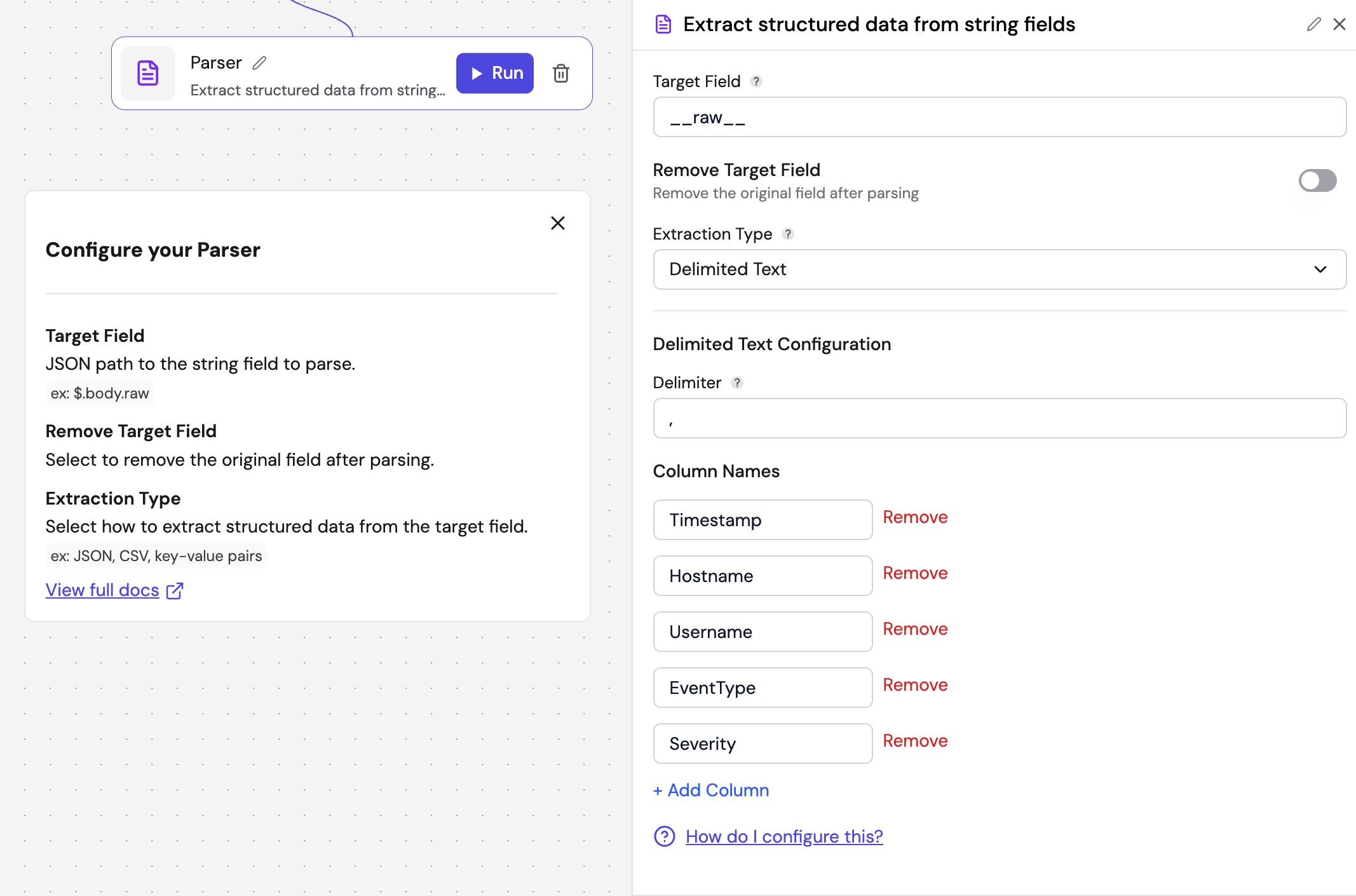
Regardless of the specific parsing method chosen, all Parser Nodes share the following base settings:
| Field | Description | Required | Placeholder |
|---|---|---|---|
| Target Field | The name of the field in your input record that contains the data you want to parse. | Yes | e.g., __raw__, message, content |
| Remove Target Field | If enabled, the original raw string field will be deleted from the record after parsing. | No | – |
| Extraction Type | The specific method used to interpret the data. The available types are detailed below. | Yes | – |
Extraction Types
JSON
Use this when your logs are already formatted as JSON strings.
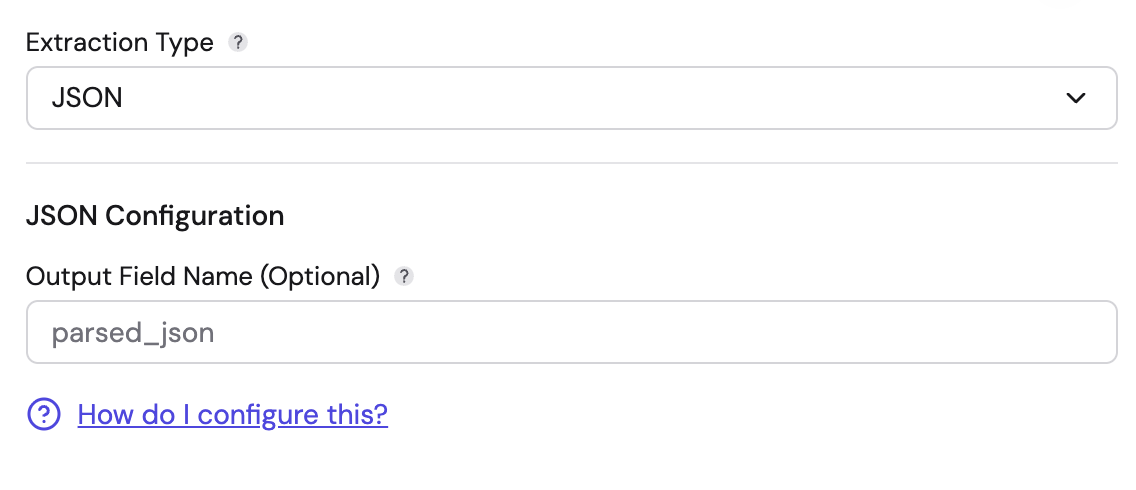
- Output Field Name (Optional): You can define a specific field name to nest the parsed JSON under (e.g.,
parsed_json). If left blank, the parsed fields are added under an empty key. - Behavior: It interprets the target string as a JSON object and converts it into a structured Fleak map.
Key-Value Pairs
Use this for logs formatted as a list of pairs, such as key1=value1, key2="value 2".
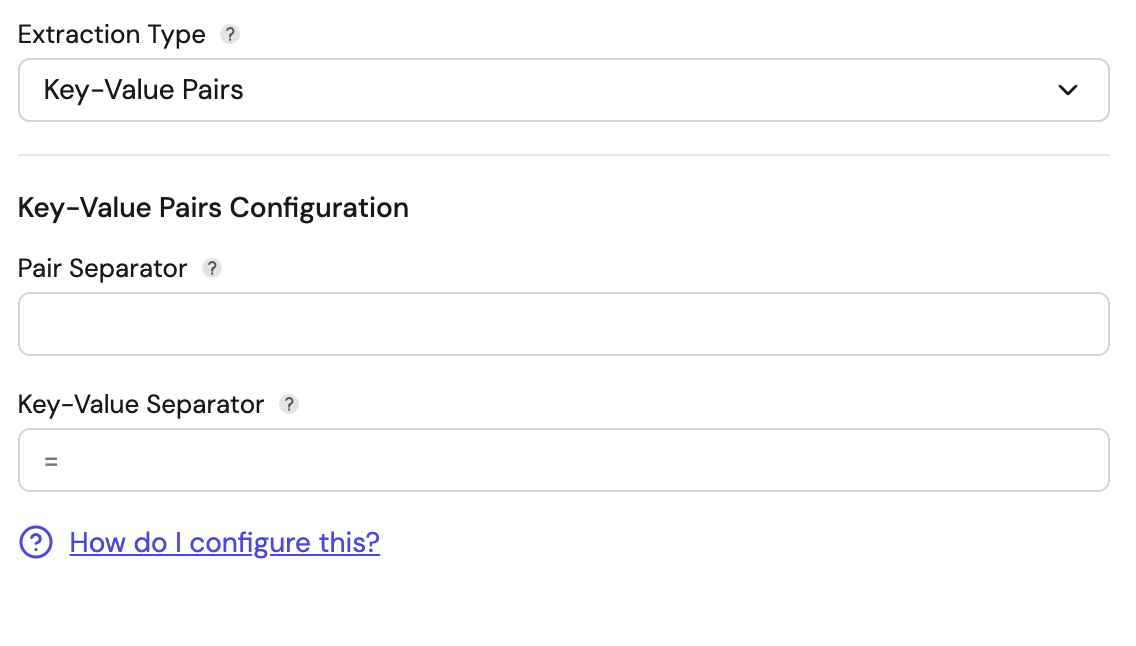
- Pair Separator (Required): The string that separates distinct pairs. Can be a single character (e.g.,
,or space) or multiple characters (e.g.," | "or", "). Supports escape sequences like\tfor tab and\nfor newline. - Key-Value Separator (Required): The string that separates a key from its value. Can be a single character (e.g.,
=,:) or multiple characters (e.g.,=>,::). Supports escape sequences. - Features: The pair separator and key-value separator must be different. This parser handles quoted values intelligently. If a value is enclosed in quotes (e.g.,
msg="error, check logs"), separators inside the quotes are ignored. When the same key appears multiple times, values are aggregated into an array (e.g.,key1=v1,key1=v2produces{"key1": ["v1", "v2"]}).
Delimited Text
Use this for comma-separated values (CSV) or other character-delimited logs.
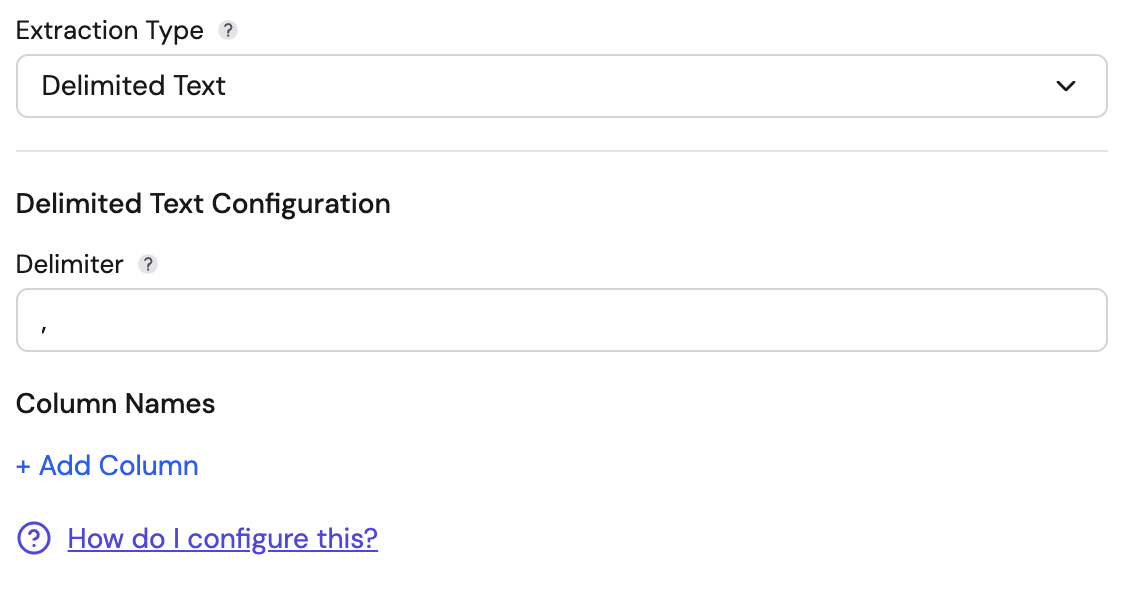
- Delimiter: The character used to separate columns (e.g.,
,,|, or\t). Pre-filled with,. - Column Names: You must define the names of the columns in order. You can click + Add Column to map the split values to specific field names. The number of columns must be at least as many as the values in your data. Extra columns with no corresponding values are omitted from the output.
- Features: This uses a robust CSV parser that correctly handles quoted fields containing the delimiter.
Grok Pattern
Use this for unstructured text logs where you need to match specific patterns (like Apache or Nginx logs).
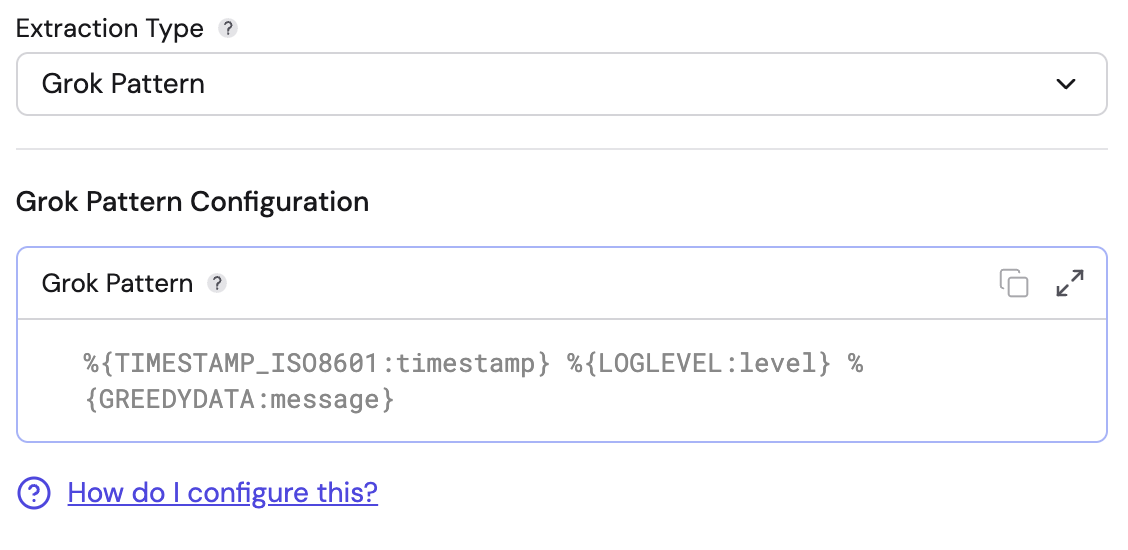
- Grok Pattern: Enter the Grok expression to define the log structure.
- Example:
%{TIMESTAMP_ISO8601:timestamp} %{LOGLEVEL:level} %{GREEDYDATA:message}
- Example:
- Features: Supports standard Grok patterns. It captures named groups from the expression and outputs them as fields. If the pattern does not match the input, the record will produce an error.
Syslog
Use this for logs following the RFC 5424 Syslog standard.
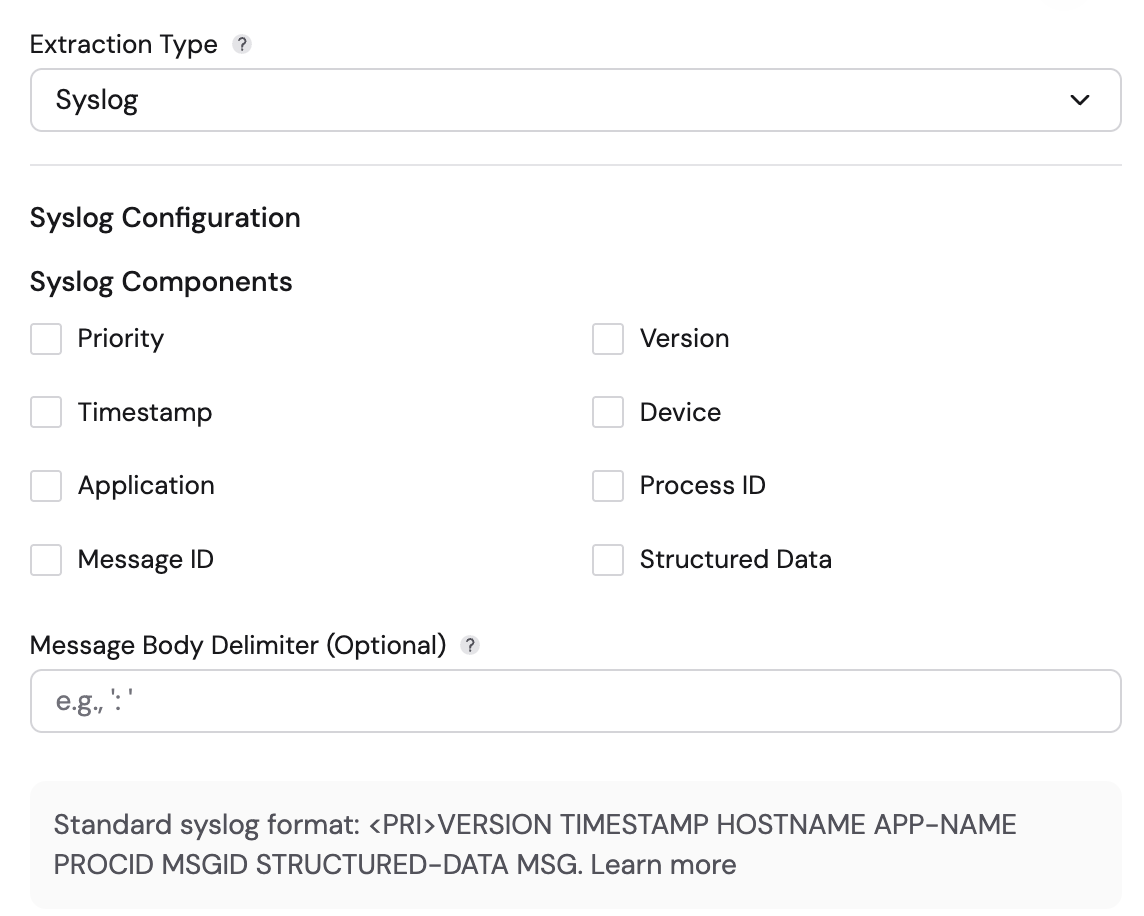
- Syslog Components: Select the components present in your syslog header. Options include:
- Priority, Version, Timestamp, Device, Application, Process ID, Message ID, Structured Data.
- Timestamp Pattern: When the Timestamp component is selected, you must specify a timestamp pattern (e.g.,
MMM d HH:mm:ssfor BSD format,yyyy-MM-dd'T'HH:mm:ss.SSSXXXfor RFC 5424). - Message Body Delimiter (Optional): Specify a character that separates the header from the message body (e.g.,
:). If omitted, the remaining text after the last header component (after whitespace) is treated as the message body. - Behavior:
-
It extracts standard headers into the following fields:
Component Output Field Priority priorityVersion versionTimestamp timestampDevice deviceIdApplication appNameProcess ID procIdMessage ID msgIdStructured Data structuredData -
It parses Structured Data (content inside
[id key="value"]) into nested maps. -
The remaining text is placed in a
contentfield.
-
Standard syslog format: <PRI>VERSION TIMESTAMP HOSTNAME APP-NAME PROCID MSGID STRUCTURED-DATA MSG
Common Record Format (CEF)
Use this for logs generated by security devices using ArcSight CEF.
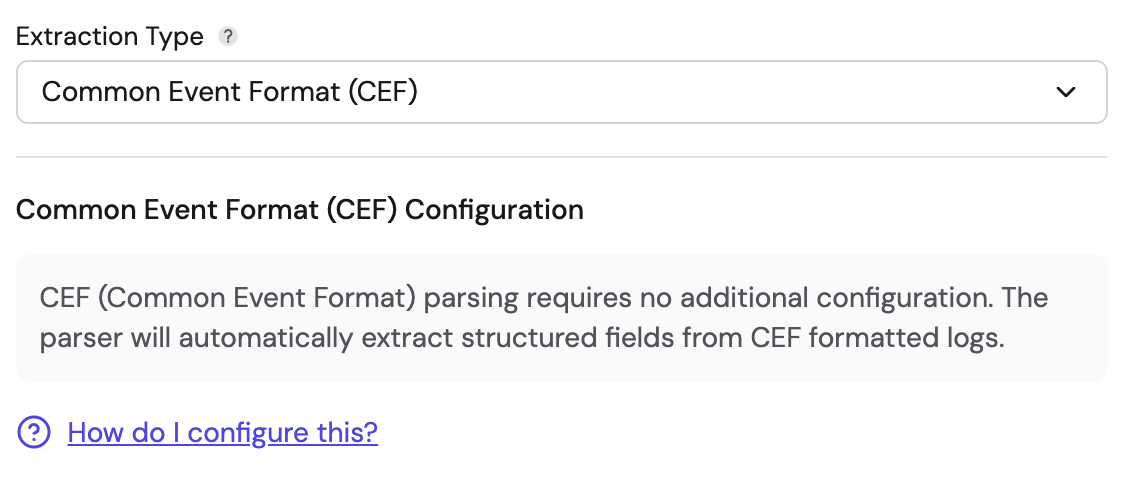
- Configuration: No additional configuration is required.
- Behavior:
- Automatically validates the
CEF:prefix. - Extracts standard header fields:
deviceVendor,deviceProduct,deviceVersion,deviceEventClassId,name,severity, andversion. - Automatically parses the "Extension" part of the log into key-value pairs. Extension keys ending with
Label(e.g.,cs1Label=portalURL) create additional fields using the label as the field name.
- Automatically validates the
Windows Multiline
Use this for processing exported Windows Record Viewer logs or similar structured multiline formats.
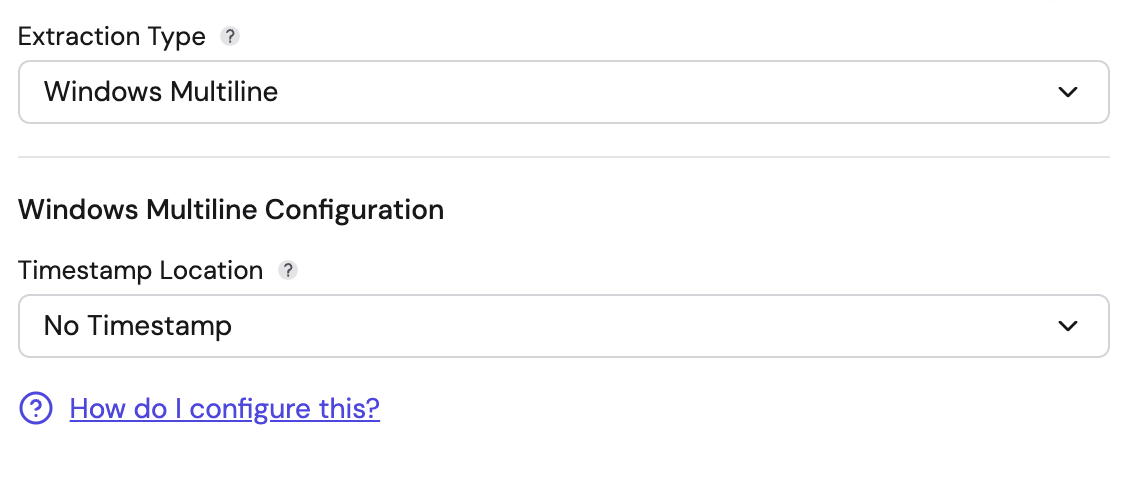
- Timestamp Location:
- No Timestamp: Ignore timestamp extraction.
- First Line: Assumes the timestamp is the first line of the raw data.
- From Field: Extract the timestamp from a specific parsed field (specify the field name).
- Behavior: It parses key-value pairs from the log. Indented continuation lines (3+ leading spaces) are appended to the previous value.
Descriptionblocks capture unstructured text, andEvent Xmlblocks capture embedded XML content.